For Mac · coming soon
Tendling keeps you company while you work
Tell it what you’re working on. It naps in the corner of your screen, nudges you back when you drift, and goes on a little expedition of its own until you’re done.
How it works
Say what matters
Then get to it
It all starts in the menu bar, in one small window that looks like it came with your Mac.
- 1
Say what you’re working on
Type it, or pick a tag. One line is enough.
- 2
Pick a length, and how firm
15, 25, 50 or 90 minutes. Company only keeps you company, Nudge asks when you drift, Close goes one step further.
- 3
Start, and settle in
Your companion curls up in a corner and keeps watch. Put on a sound to work to, if you like.
Your companion
Drawn like a picture book
Alive like a cat
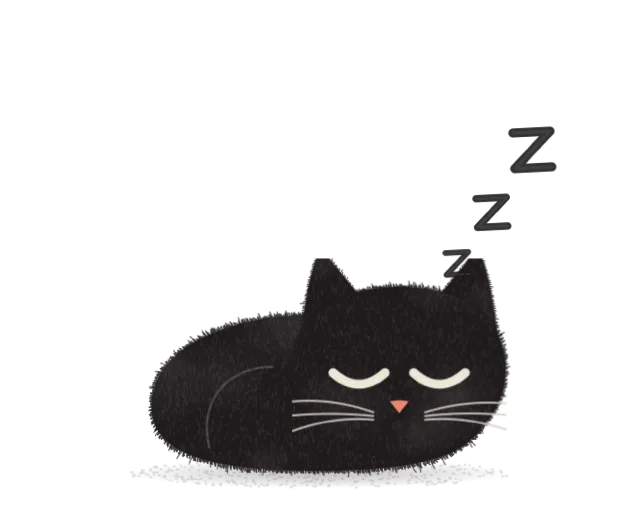




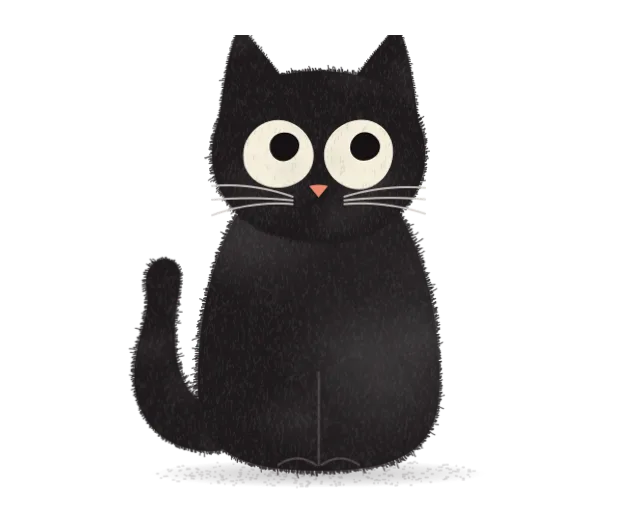
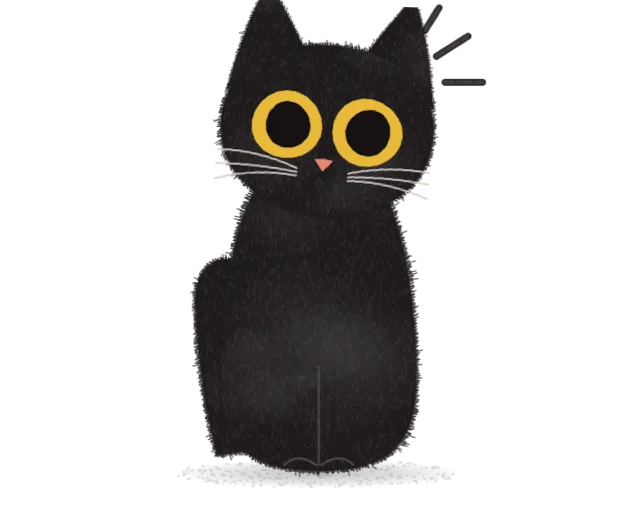
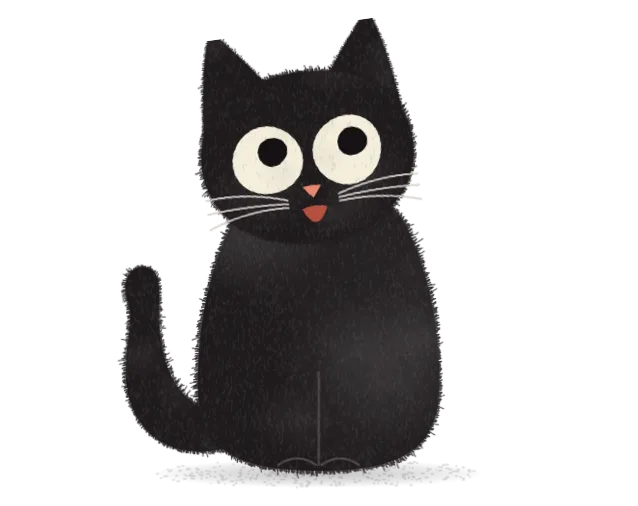
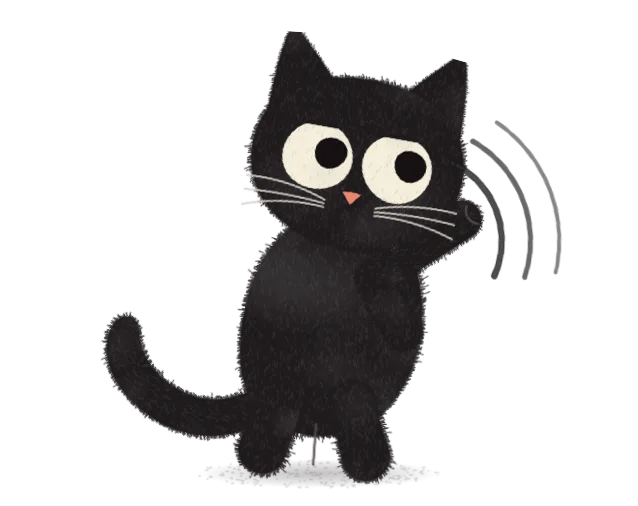
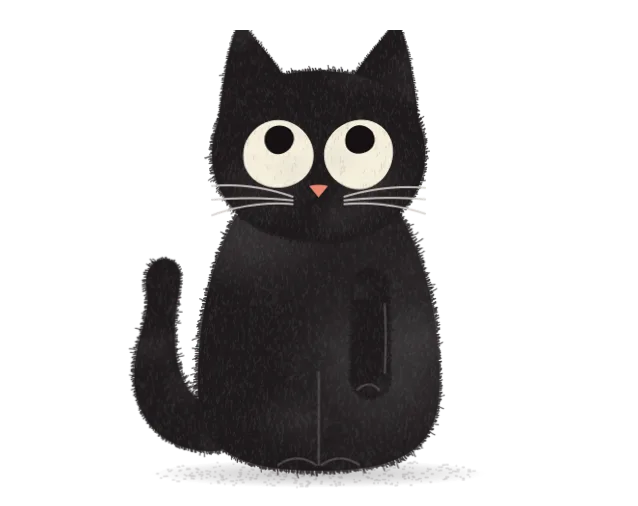
A small black cat with big cream eyes. It naps, washes, stretches, follows your cursor and now and then looks right at you. Every scene on this page comes straight from the app.





There’s a cat, a dog and a cat-dog. Switch at the top of the page.
While you work
It goes on its own little expedition
During a session your companion sets off along a trail with its bindle. It stalks mice, fishes in puddles, chatters at moths, and comes home with something it found.
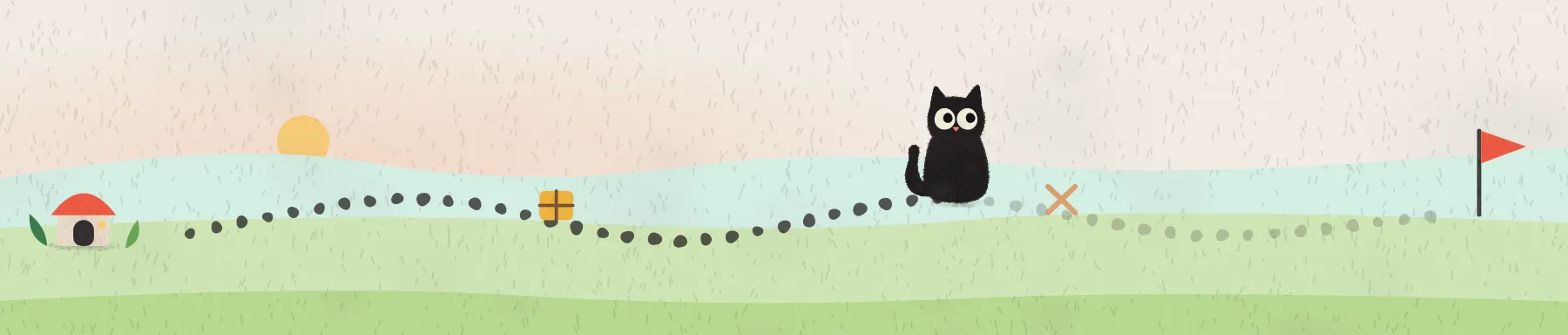
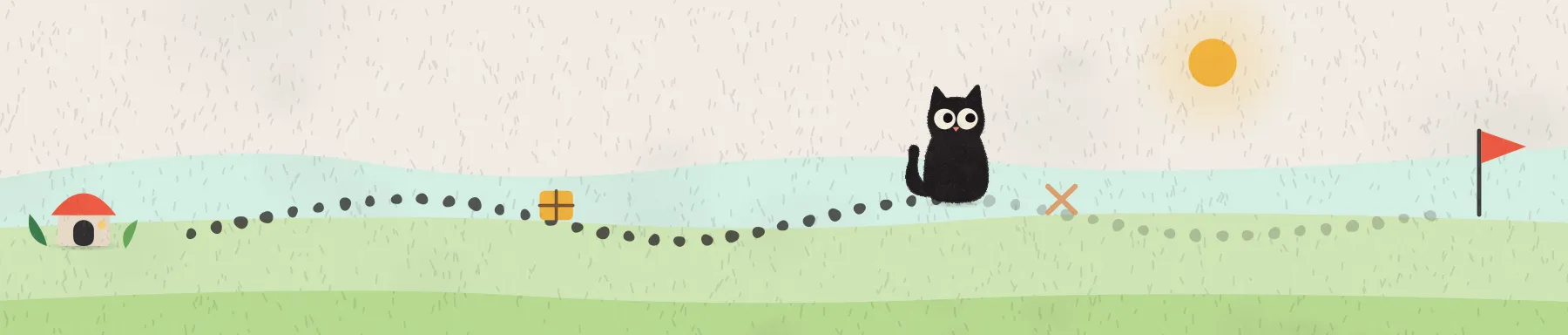
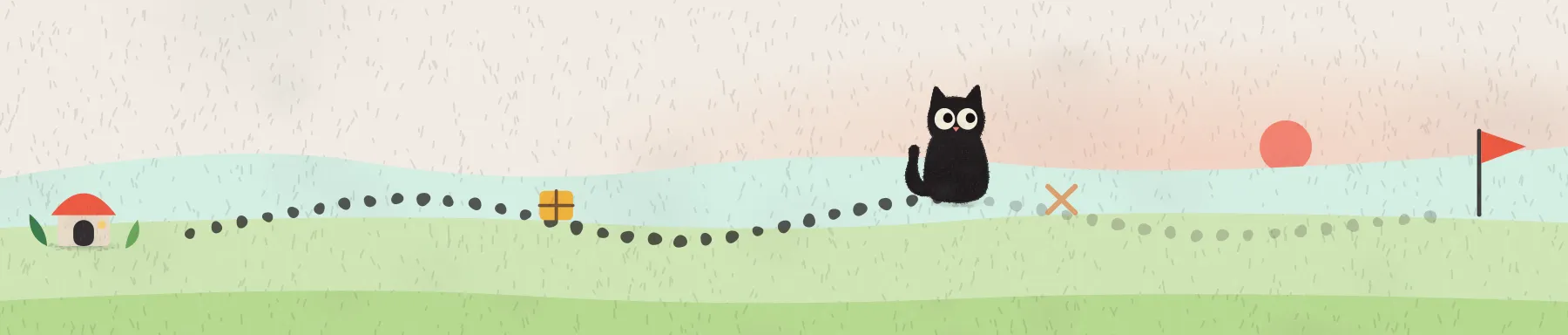
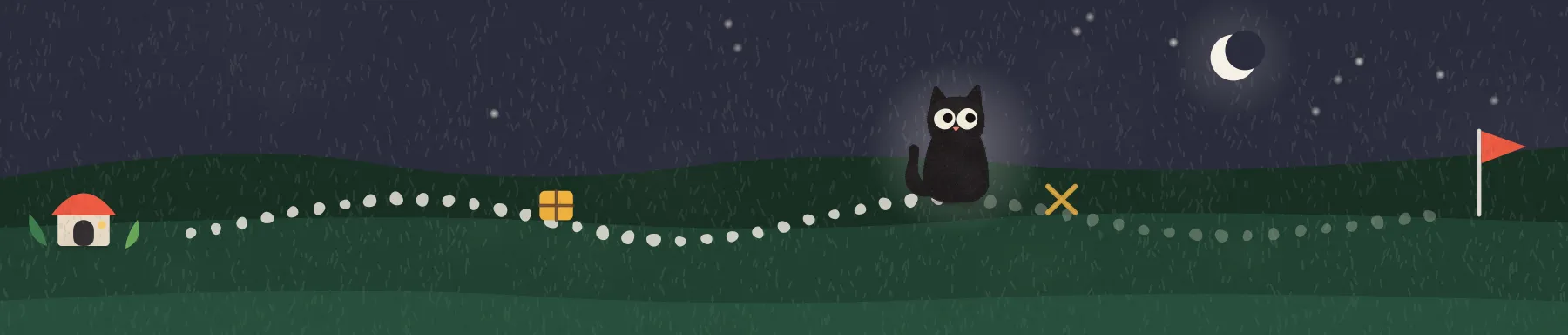
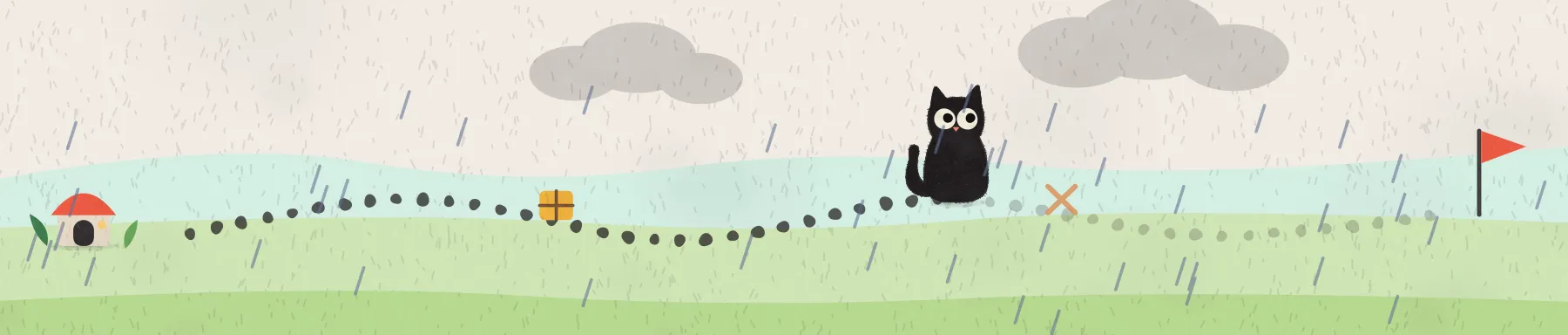
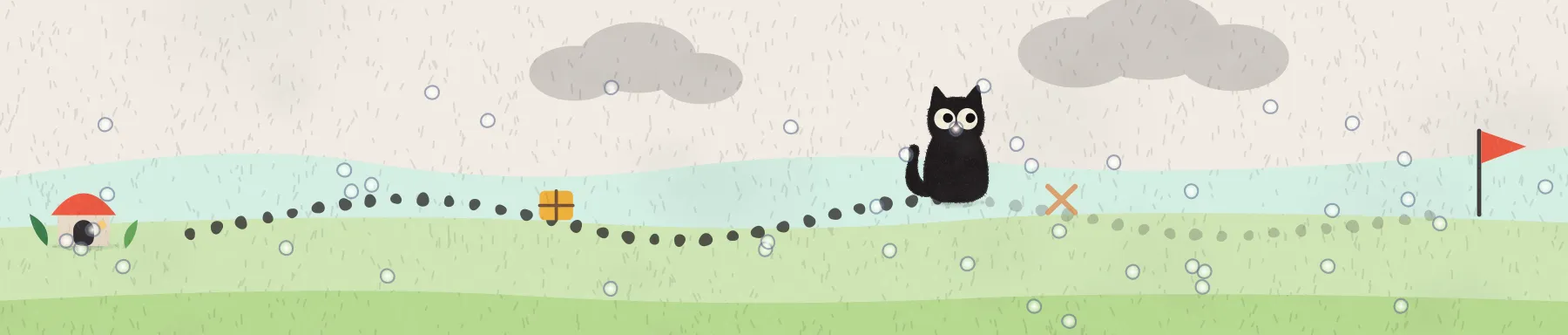
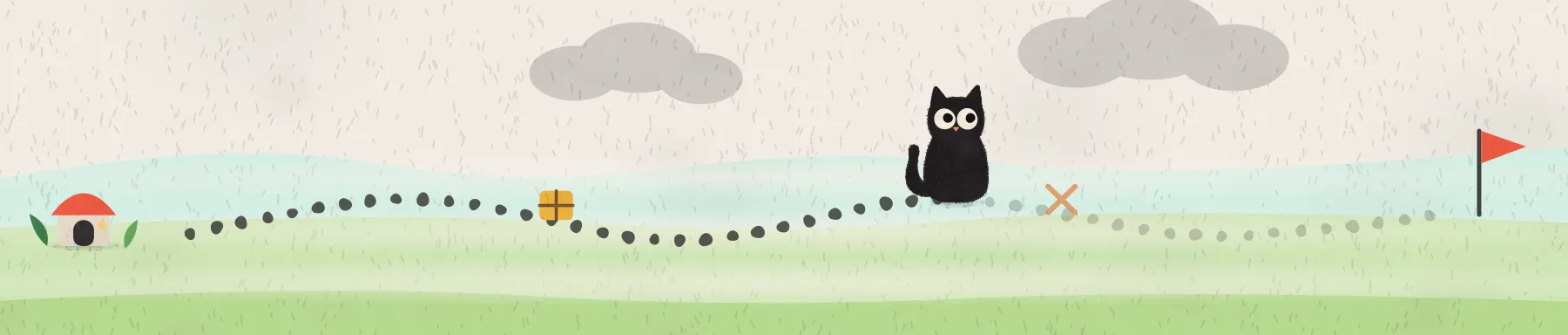
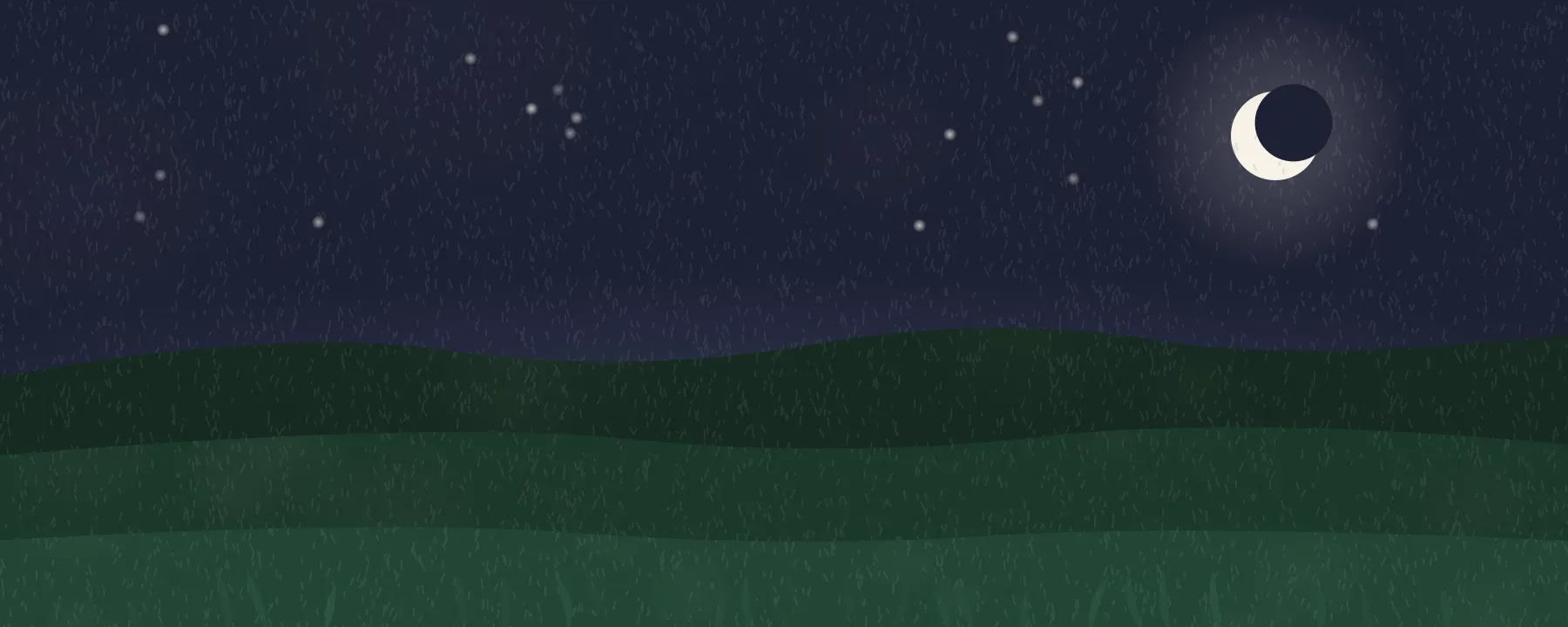
The sky follows your hour. Weather is optional: switch it on, and it rains on the trail when it rains where you are.

And it brings things home
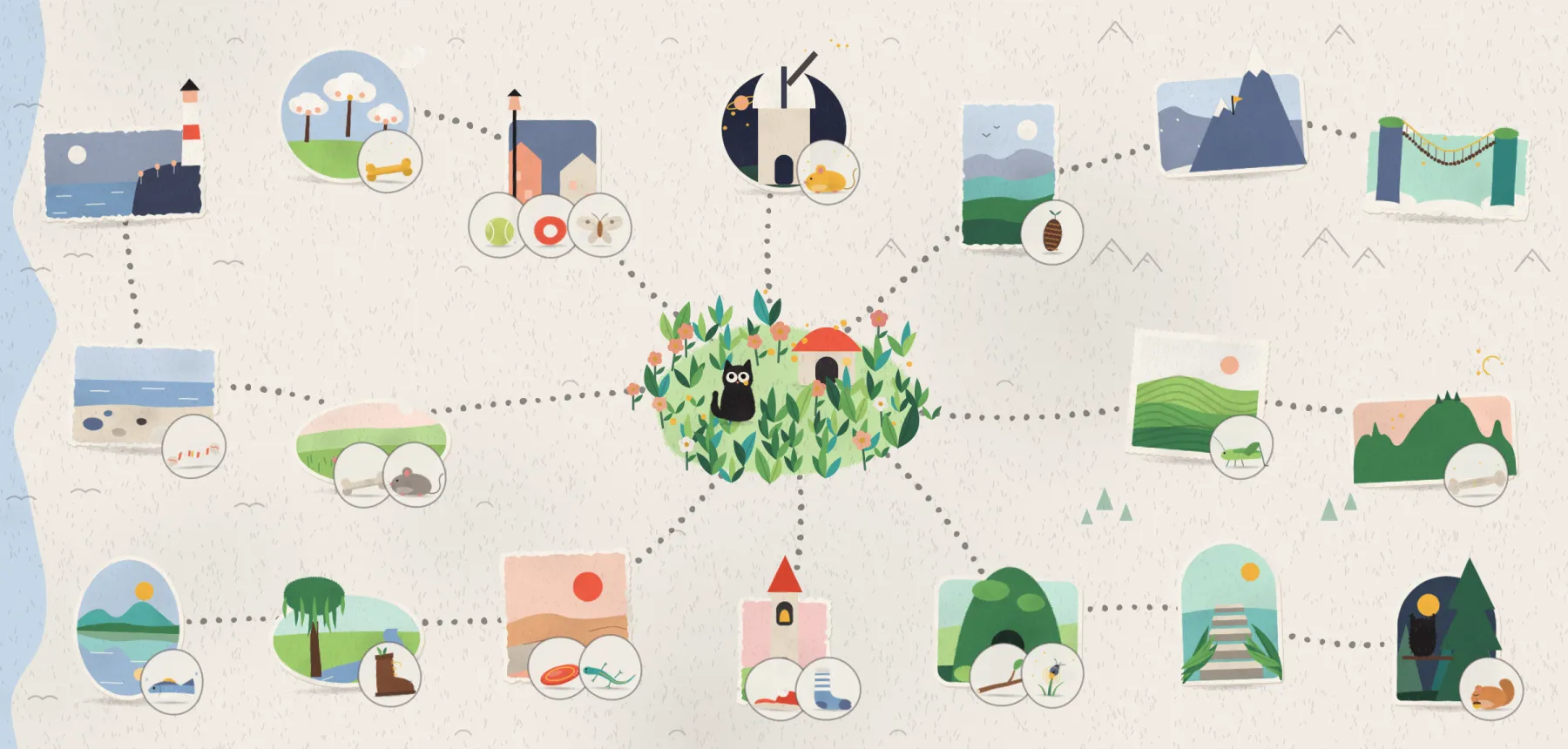
A feather, a brass key, a paper boat. Every catch belongs to a place on the map, and the map fills in as you work. Nothing decays, and nothing is ever lost.
When you drift
A nudge, not a lecture
Wander off to a feed in the middle of a session, and your companion notices. What happens next is up to you.
Company: you open a feed, and your companion only notes it for the recap after the session.
Sounds to work to
Put on a purr
Four real recordings, laid out anew so they can sit under your work for hours without repeating: a cat purring, summer rain, small waves and a fireplace.
Headphones bring out the purr’s low rumble.
Breaks
Take a break together
When a session ends, pet your companion, or catch fireflies on the meadow for 30 seconds. Try it right here.
Nothing is kept. It’s just a break.
Privacy
It stays on your Mac
No account, no telemetry, no analytics. Your companion keeps what it needs in one file on your Mac, and you can export or delete it any time.
On your Mac
Sessions, rules and finds live in one local file. None of it is ever uploaded.
No telemetry
No analytics, no tracking, no account to sign up for.
Never your keystrokes
No keystrokes, no screenshots, nothing from inside your pages or documents.
Weather only if you want
Off unless you switch it on. Your location is rounded to about 10 km.
Export or delete
Everything, from Settings → Privacy & Data, any time.
Easy to hide
One shortcut hides your companion before you share your screen.
Questions
Which Macs does it run on?
Any Mac with macOS 14 or later, Apple silicon or Intel.
Does it block websites?
No, nothing is blocked. In Close mode your companion can close the tab or window you drifted to, only in apps you allow and always with Undo. Closing is still in testing, so for now it nudges instead.
Can it lose my unsaved work?
It’s built not to. It won’t close a tab while you’re typing in it, and it closes a window with the window’s own close button, so apps that ask “Save changes?” still ask. You can undo any close for 30 minutes.
Does it need permissions?
Only if you want it to close things. Without Accessibility, the timer and your companion work as usual; it just nudges instead of closing.
Will others see it when I share my screen?
They might. Before you share, hide it with one shortcut, or switch on privacy mode.
Is there a dog?
Yes. You can pick a cat, a dog or a cat-dog, and each has its own scenes and catches.
Is it a subscription?
No. You pay $5 once and keep it, with every 1.x update included. If it isn’t for you, you get a full refund within 14 days.
Something isn’t working. Where do I go?
Have a look at Support, or choose Report a Bug in the app. It opens an email you can read before you send it.
Why does macOS say it can’t check Tendling?
Tendling is in early access and not notarized by Apple yet. The first time you open each version, macOS asks you to confirm it in System Settings → Privacy & Security → Open Anyway. It takes a minute, and Support walks you through it.
Ready when you are
Download Tendling, tell it what you’re working on, and let it curl up in the corner.
$5once
- Pay once. No subscription, no account.
- Every 1.x update included
- On all your own Macs
- A cat, a dog and a cat-dog
- English and Czech
- 14-day refund, no questions asked